Videos about this mod
Videos by us and from the community. Clicking loads YouTube.
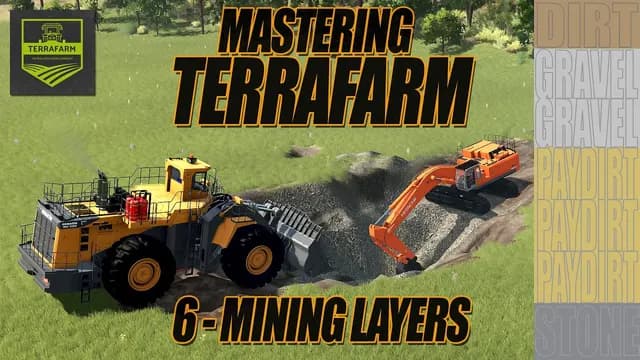
What it does
Mining Layers stays free. It was, it is, it will be.
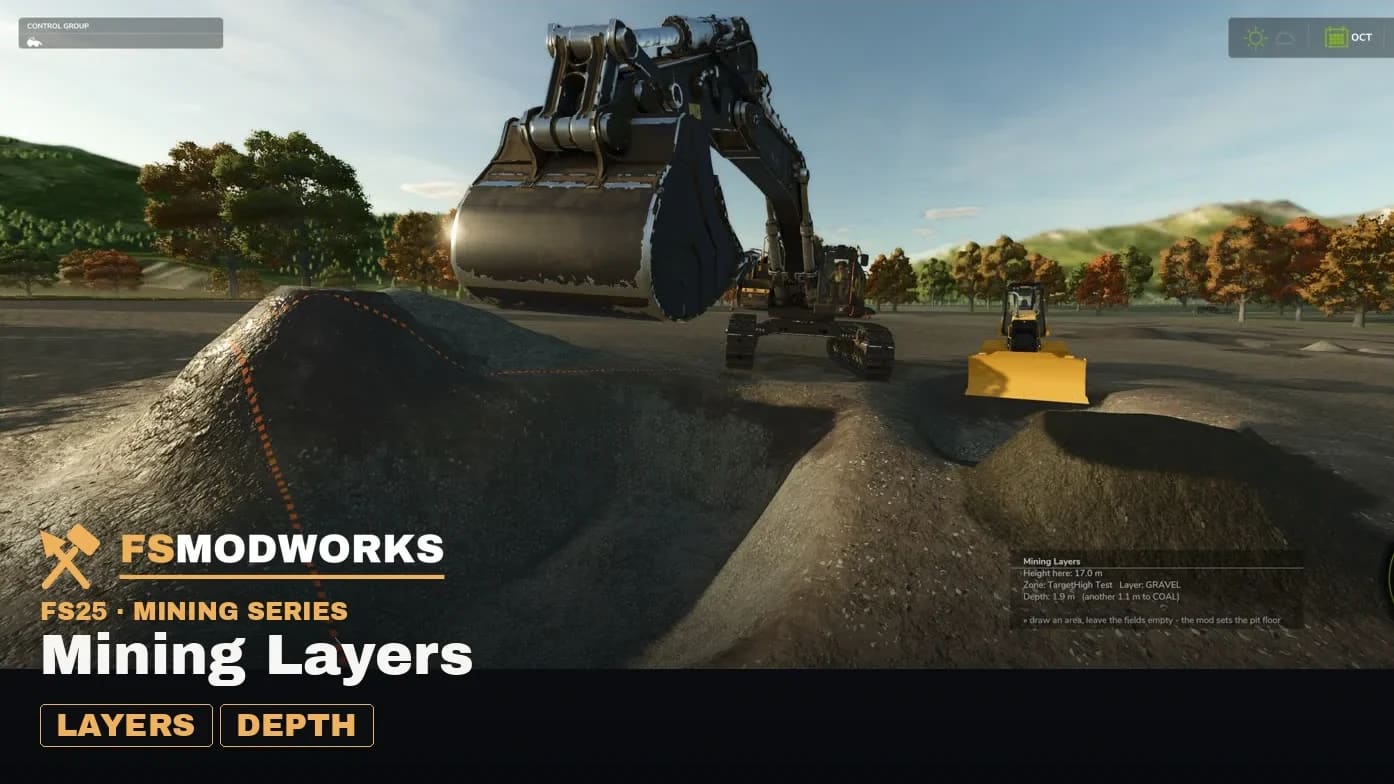
Layers work without a drawn area. The reference height is frozen from undisturbed ground the first time a bucket touches a spot, so layers follow the terrain anywhere on the map. Set the target to “Everywhere” on the layers page. Where an area is assigned to the machine, that area still wins.
The target height is yours again. Level a pad at ground level, cut a berm halfway up the pit wall, grade a ramp at a fixed slope — the mod no longer pulls that height down by itself. Where your height cuts off the lowest layer, it says so and leaves the decision to you.
Slot diagnosis with your map's real numbers: how many ground slots the map has, how many are taken, how wide its channel is. Both numbers are read from the running game, and the mod says when they are full.
Requires TerraFarm, installed and active — that's the foundation, not a recommendation.
The free version was developed for FS25 and will not be continued beyond that.
Changelog
News about this mod
- Mining Layers 1.7.2.0 — new version, new Download KeyMining Layers 1.7.2.0 is out. First things first: your old Download Key does not work with this version — get a new one in your account, free. Plus the excavator dump guard and a reworked key check.
- Mining Layers 1.6.5 — download here, no zip on GitHub any moreSpoil mode, grade lock, Spanish, and the Download Key. From now on the download, support and bug reports live on fsmodworks.com — GitHub keeps the source, not the file.
Questions and answers
Mining Layers: I use FSG Mod Assistant or several mod folders. Where does the key file go?
Put the key file (.xml) once into Documents/My Games/FarmingSimulator2025/modSettings/FSMW/ (create the FSMW folder yourself). It then works for every mod folder, even when FSG Mod Assistant switches folders. If the key file sits in your mods folder, FSG Mod Assistant lists it as "Not a mod". That is normal, please don't delete it.
Is Mining Layers free?
Yes, and it stays free. You only need a free account to download the zip here.
Do I need TerraFarm?
Yes. TerraFarm has to be installed and active. It is the foundation Mining Layers builds on, not a recommendation.
Do I have to draw an area before Mining Layers works?
Not since 1.6.0. Set the target on the layers page to “Everywhere (no area needed)” and the layers follow the terrain anywhere on the map. A drawn area still wins wherever one is assigned to the machine.
Which Mining Layers version is the download?
1.7.4.0, released on 30 September 2026, runs again with game patch 1.24, your key keeps working. 1.7.3.0 (26 September 2026) also finds your Download Key in the folder the game loads your mods from, and your key from 1.7.2.0 keeps working. 1.7.2.0 (10 September 2026) needed a new Download Key, free in your account, and added the excavator dump guard and a reworked key check. Since 1.6.0 there are spoil mode, grade lock, material colours in the height display, Spanish and the Download Key itself. The full list is in the changelog below and on GitHub. New features come in Mining Layers V2 Director's Cut for members.
Which languages does Mining Layers speak?
Six: German, English, French, Italian, Polish and Portuguese, with a separate Brazilian Portuguese variant.
Does Mining Layers work in Farming Simulator 25?
Yes. Mining Layers is built for Farming Simulator 25 (FS25), and that is the game it runs in.
Related products
- Mining Layers V2 Director's Cut — the same mod in its long version
- PV-235 E — the drill rig that Mining Layers tells what is down there
- Manitowoc 4600 Dragline — the dragline for the open pit
- Dig With Anything — grapples that take from the barge and dump into the truck
- Paradise Farm & Pit — the farm up top, the pit below
Download options
⚠️ Requires TerraFarm by scfmod — without it nothing will move. This mod extends it, it does not work on its own. github.com/scfmod/FS25_TerraFarm
You need TWO files — the mod zip and the Download Key. Both go into the same folder.
Push to your phone or PC. Only new FS25 mods, updates and big news.
Important — please read
- Terms and conditions
The terms under which you may use and pass on this mod.
Upgrade
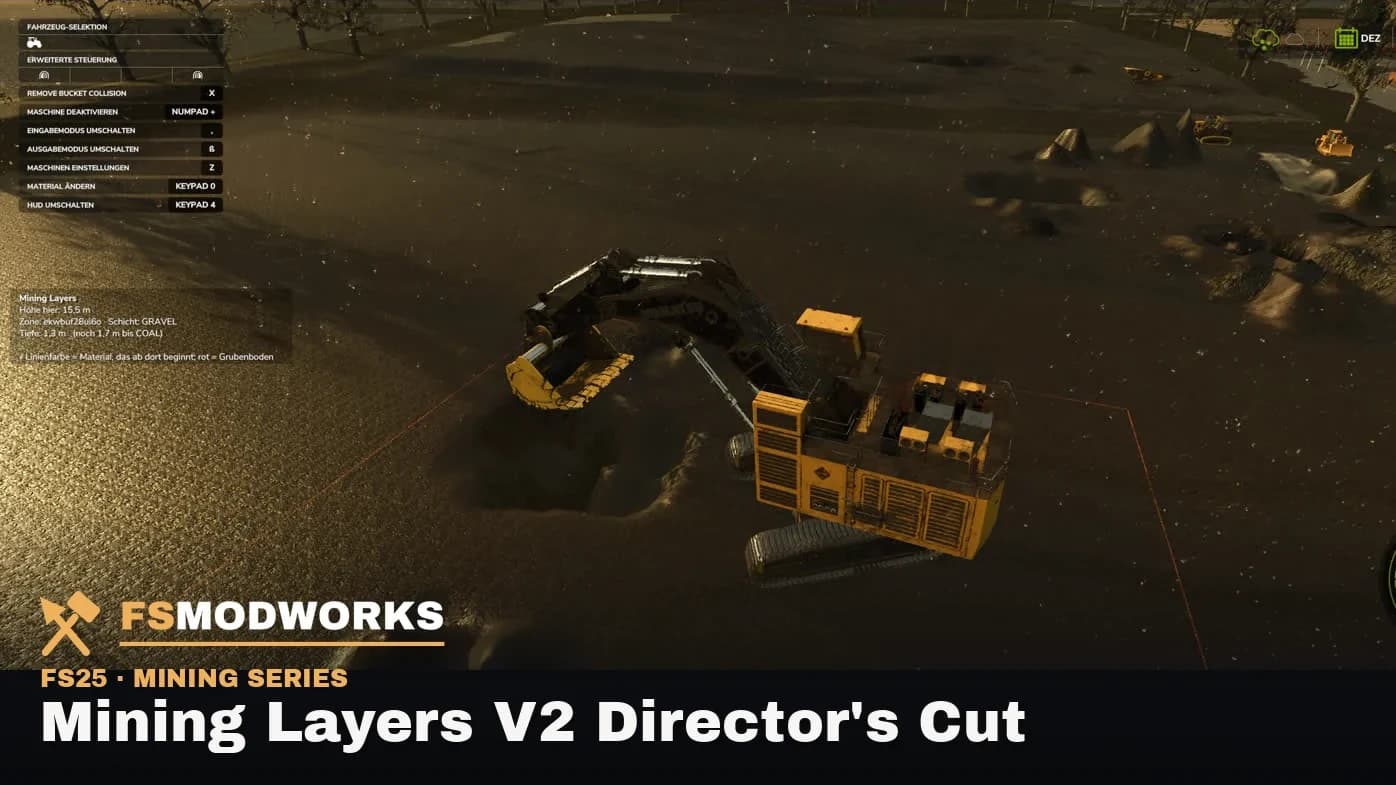
Mining Layers V2 Director's Cut
Mining Layers, extended — the same mod in its long version.
Take a lookWhere does the Download Key go?
Put the downloaded .xml file into your mods folder — the same folder your mod zips live in (Documents/My Games/FarmingSimulator2025/mods). On the next game start the mod picks it up and stores it permanently under modSettings/FSMW/, where it survives every mod update. Nothing to type, nothing to rename.
You can also put the file straight into modSettings/FSMW/ — you will have to create that folder yourself.
Why at all: the key ties your copy to your account, so a re-upload can be traced back. Part of the code in the zip is encrypted for the same reason — the gameplay logic. Not a program, no .exe, no internet access. More in the FAQ
In the mod menu
Mining Layers