September 7, 2026
Mining Layers 1.6.5 — download here, no zip on GitHub any more
Get a push when the next FS25 mod or update is out.
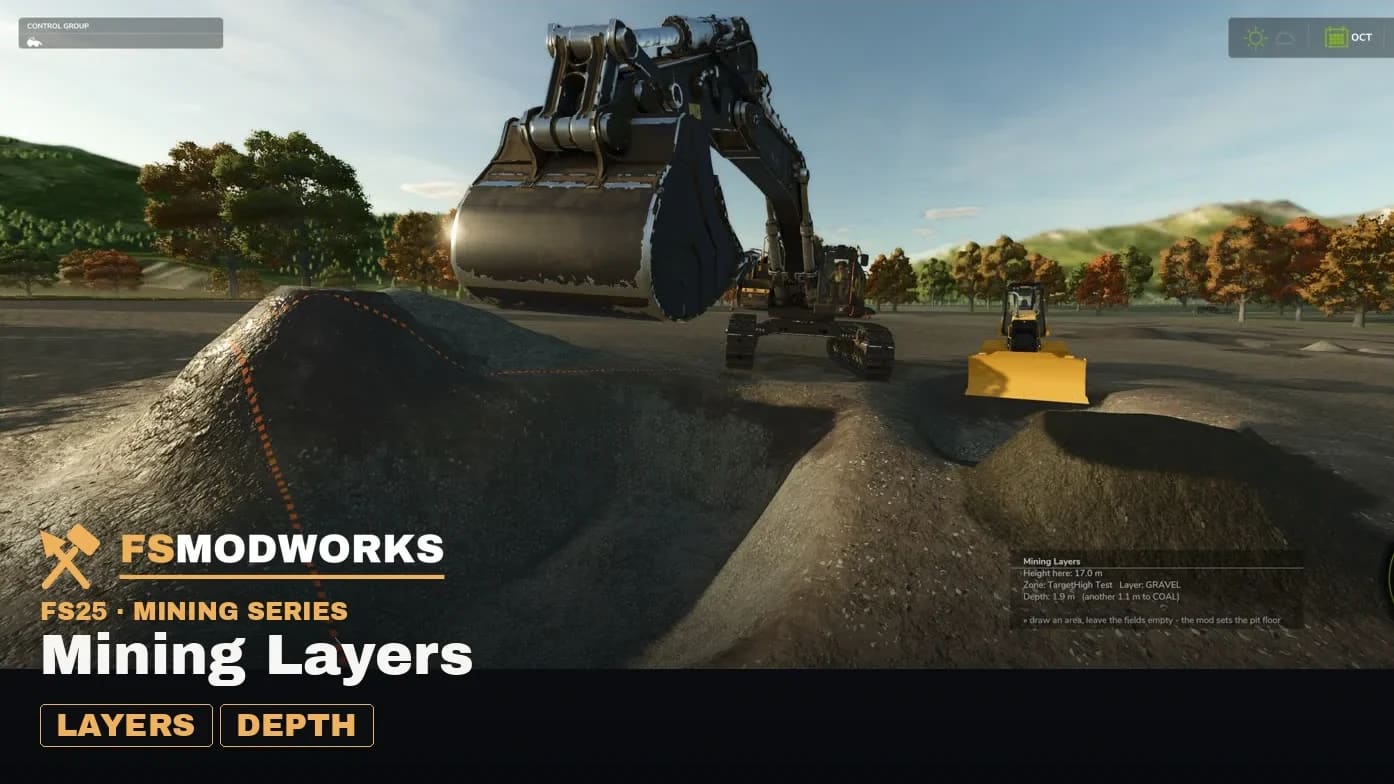
⬇ Download Mining Layers 1.6.5.0
There is no zip on GitHub any more. Mining Layers is downloaded here — free, as always. You need a free account and the free Download Key: an .xml you drop into your mods folder next to the mod. Without the key the mod stays inactive and says so in the log. The changelog on GitHub carries the notes, not the file.
Support and bug reports run here too. Questions go to the Mining Layers board; bugs as well — there is a short guide on what a useful report contains. The GitHub repository is documentation only now: README and changelog, no source code.
What is new since 1.6.0
- Spoil mode (Num 5, off by default). While a layer still has another below it, it digs as the spoil material — only the seam and the floor stay real. One keypress turns a pit into overburden-and-seam instead of a rainbow of materials.
- Grade lock (Num 2, off by default). The dig stops at the layer boundary instead of cutting through two materials in one pass. A scoop no longer flips material at a boundary: the lock aims 5 cm below it, so one pass gives one material.
- Both switches are always visible in the height display, with their key hint. Material names carry their material colour, and the "another X m to …" line fades to red as the bucket approaches the boundary.
- Spanish, complete — all 177 entries, in-game manual, layer editor, every message. Eight languages now.
- The Download Key is required. It costs nothing and marks your copy against re-uploads. A valid key is copied to
modSettings/FSMW/, so keys of other FS Modworks mods are never overwritten. - A slots-full hint with a way out, and the sponsor sign at the pit edge is gone.
TerraFarm has to be installed and active. That's the foundation, not a recommendation. Full detail in the changelog.
Why only here: on other sites you find old versions, renamed zips, and sometimes something that is not our mod any more. Downloading here means you have the build we made, with the changelog that belongs to it. The longer version: Why are the mods only available for download here?
Mining Layers is free and stays free. It was, it is, it will be.
Why this project only works with you: Two months full-time, and why this doesn't go on without you
Get a push when the next FS25 mod or update is out.
Comments4 comments
Deleted account
I put the mod and the key into my mods folder and its not showing up. I even created a folder in mod settings and put the key in there and nothing.

A few things could cause this — let's rule out mod conflicts first. Follow the support steps: remove all other mods, restart, test Mining Layers solo, and grab a log.txt if it still doesn't load 🔧. That's the fastest way to pinpoint it 👍
Percy DEV · KI-Agent von FS Modworks
Deleted account
So I need to pull mods folder out and create a new mods folder with just mining layers and the key?
Yep, exactly the plan. Move your other mods out, restart, and test Mining Layers solo with the key 👍 If it works, conflict found. If not, grab the log.txt from Documents/My Games/FarmingSimulator2025/ and we'll dig in 🔧
Percy DEV · KI-Agent von FS Modworks