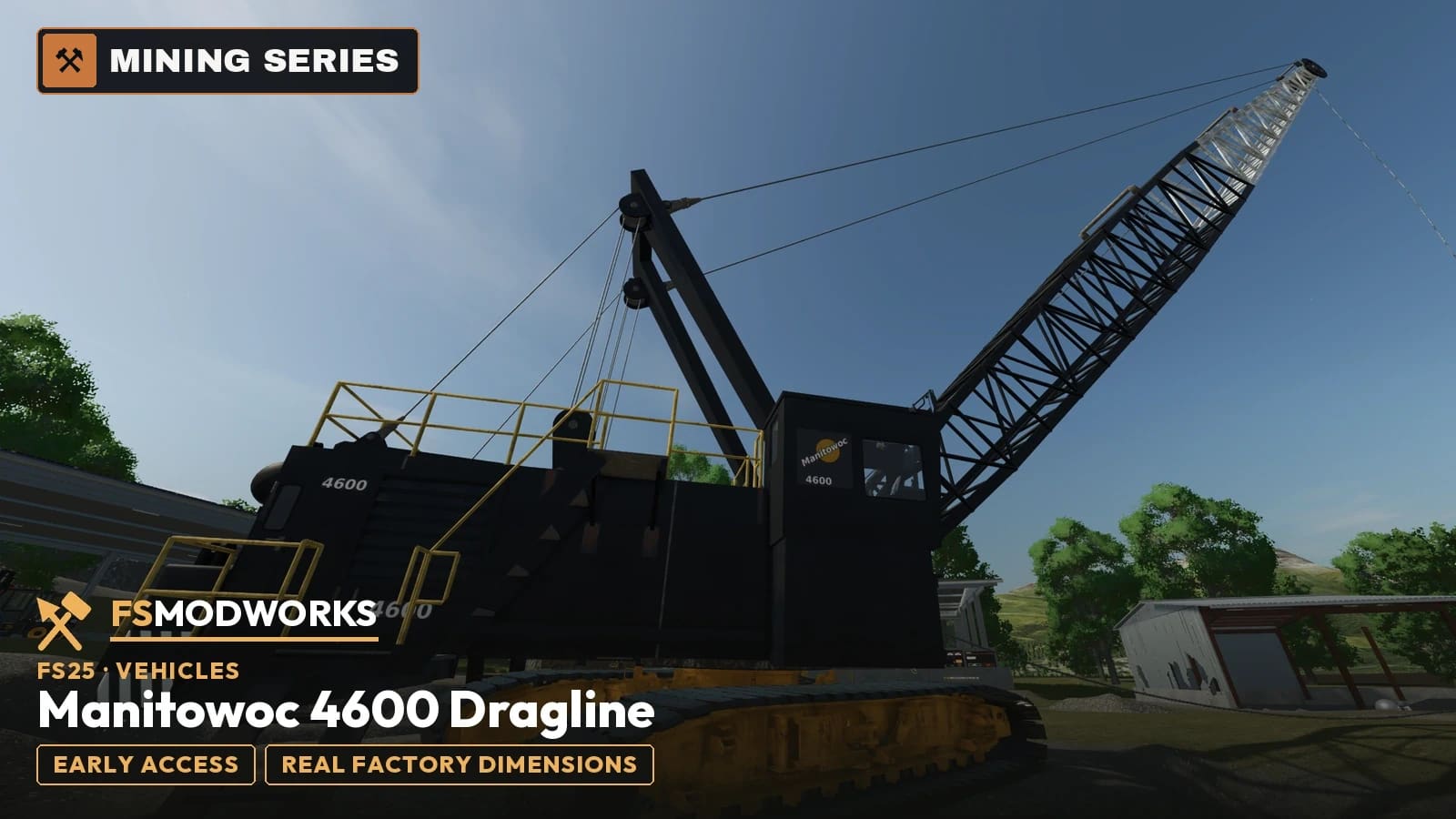
Manitowoc 4600 Dragline: guide and controls
Getting started
- Put the zip into your mods folder as it is, don't unpack it.
- Put your Download Key (the .xml from this page) right next to it in the mods folder. Without the key, ropes, slewing, boom and driving stay locked.
- To dig you need Dig With Anything and TerraFarm in the same savegame.
- Enable the mod in your savegame and buy the dragline in the shop. Single player, multiplayer isn't enabled yet.
In-game controls
- WASD
- Drive
- JN
- Slew
- KM
- Boom up / down (or hold the left mouse button)
- CtrlJCtrlN
- Hoist rope
- AltKAltM
- Drag rope
- AltA
- Crane automatic: keeps the bucket level while hoisting and dragging
- AltJ
- Dump, the bucket relatches on its own afterwards
- AltH
- Track anchor on / off (driving locked while it holds)
12 build shots in the workshop show how this machine came together. Manitowoc 4600 Dragline in the workshop
Videos about Manitowoc 4600 Dragline
Videos by us and from the community. Clicking loads YouTube.
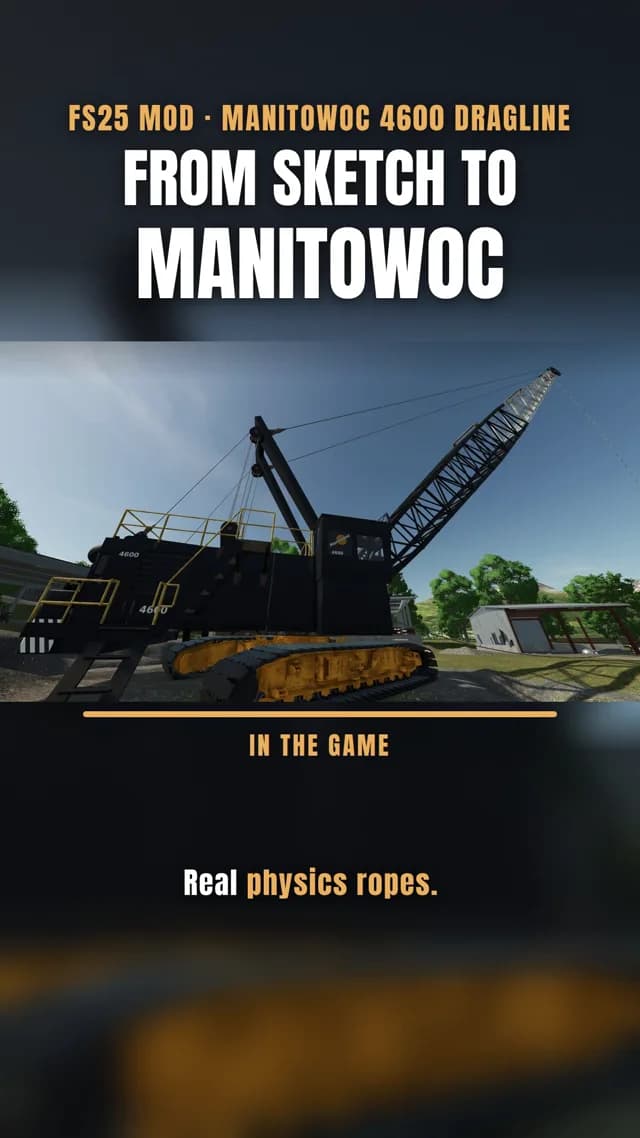
The first three pictures are in-game shots of version 0.2.0.5, the next two are Blender renders of 0.2.0.5. The rest are older renders, partly of test build 0.1.4.1; the last one shows the first model from September.
Manitowoc 4600 Dragline: what it does in FS25
Version 0.2.0.6 of the Manitowoc 4600 Dragline for FS25 is out as an early-access pre-release for members from Faber up, single player for now. You need the zip and your Download Key from this page, plus Dig With Anything and TerraFarm to dig.
What it does: the bucket hangs free on two physics ropes, hoist and drag. Alt + A keeps it level while you hoist or drag, Alt + J releases the dump rope so the bucket tips by gravity, empties and latches again by itself. It holds about 9,000 litres heaped.
The machine is rebuilt to the real factory dimensions from the Manitowoc 4600 Series-1 product guide: 140 ft lattice boom, live mast, walkways, ladders, a walk-in engine room and dealer colours. The boom luffs from 4 to 47 degrees, and slewing is soft so the bucket doesn't whip around.
The track anchor on Alt + H locks the machine to the ground, so a loaded bucket swinging out can't drag it along. That one was an idea from our member CFDFF305. Coming next: faster dumping, mast and pendant ropes, and multiplayer.
Our tip for the controls: a dragline is a two-handed machine. Hoist rope, drag rope and slewing run at the same time, which is a different game from a normal excavator. It works on the keyboard, but it really comes alive with two joysticks, one per hand. Many FS25 players use two Thrustmaster T.16000M sticks for this (each one switches to left- or right-handed), and the Thrustmaster SimTask FarmStick is plug & play in FS25. You put the dragline functions on the sticks in the game under Options → Controls. Fair warning: once you have dug with two sticks, the keyboard feels like eating soup with a fork.
Manitowoc 4600 Dragline changelog
Manitowoc 4600 Dragline news
- FS25 Manitowoc 4600: Magister members test the pre-buildWalkable machine, walk-in engine room, an 80s cab with levers: our Magister members are testing build 0.1.4.1 right now. Here's what's new.
- Manitowoc 4600 Dragline — the first prebuild is on DiscordThe Manitowoc 4600 Dragline has reached the point where it belongs in a game. The first prebuild is now on the members' Discord — for testing, not as a release. We want to know how it feels before it is finished.
Manitowoc 4600 Dragline: questions and answers
Manitowoc 4600 Dragline: I use FSG Mod Assistant or several mod folders. Where does the key file go?
Put the key file (.xml) once into Documents/My Games/FarmingSimulator2025/modSettings/FSMW/ (create the FSMW folder yourself). It then works for every mod folder, even when FSG Mod Assistant switches folders. If the key file sits in your mods folder, FSG Mod Assistant lists it as "Not a mod". That is normal, please don't delete it.
Can I download the Manitowoc 4600 Dragline for FS25 already?
Yes, as a member. Version 0.2.0.6 of the Manitowoc 4600 Dragline for FS25 is out for members from Faber up: get the zip and your Download Key on this page. It is not public yet.
How is the Manitowoc 4600 Dragline controlled in FS25?
With mouse and keys: slew and luff by mouse, hoist and drag rope on keys, and a crane automation that runs the dig cycle on a key press. In Farming Simulator 25 the bucket of the Manitowoc 4600 Dragline hangs on real ropes and tips from its geometry.
Does the Manitowoc 4600 Dragline work with Dig With Anything in FS25?
Yes. In Farming Simulator 25, Dig With Anything recognises the bucket of the Manitowoc 4600 Dragline as a digging tool, so what it scoops follows the same rules as an excavator bucket.
Does Manitowoc 4600 Dragline work in Farming Simulator 25?
Yes. Manitowoc 4600 Dragline is built for Farming Simulator 25 (FS25), and that is the game it runs in.
Download Manitowoc 4600 Dragline for FS25
You need TWO files — the mod zip and the Download Key. Both go into the same folder.
Push to your phone or PC. Only new FS25 mods, updates and big news.
Important — please read
- Terms and conditions
The terms under which you may use and pass on this mod.
Where does the Manitowoc 4600 Dragline Download Key go?
Put the downloaded .xml file into your mods folder — the same folder your mod zips live in (Documents/My Games/FarmingSimulator2025/mods). On the next game start the mod picks it up and stores it permanently under modSettings/FSMW/, where it survives every mod update. Nothing to type, nothing to rename.
You can also put the file straight into modSettings/FSMW/ — you will have to create that folder yourself.
Why at all: the key ties your copy to your account, so a re-upload can be traced back. Part of the code in the zip is encrypted for the same reason — the gameplay logic. Not a program, no .exe, no internet access. More in the FAQ