Model AI-generated (mesh via Tripo AI), reworked in Blender. The images on this page are renders of the finished model.
What do I get with the DJ Booth?
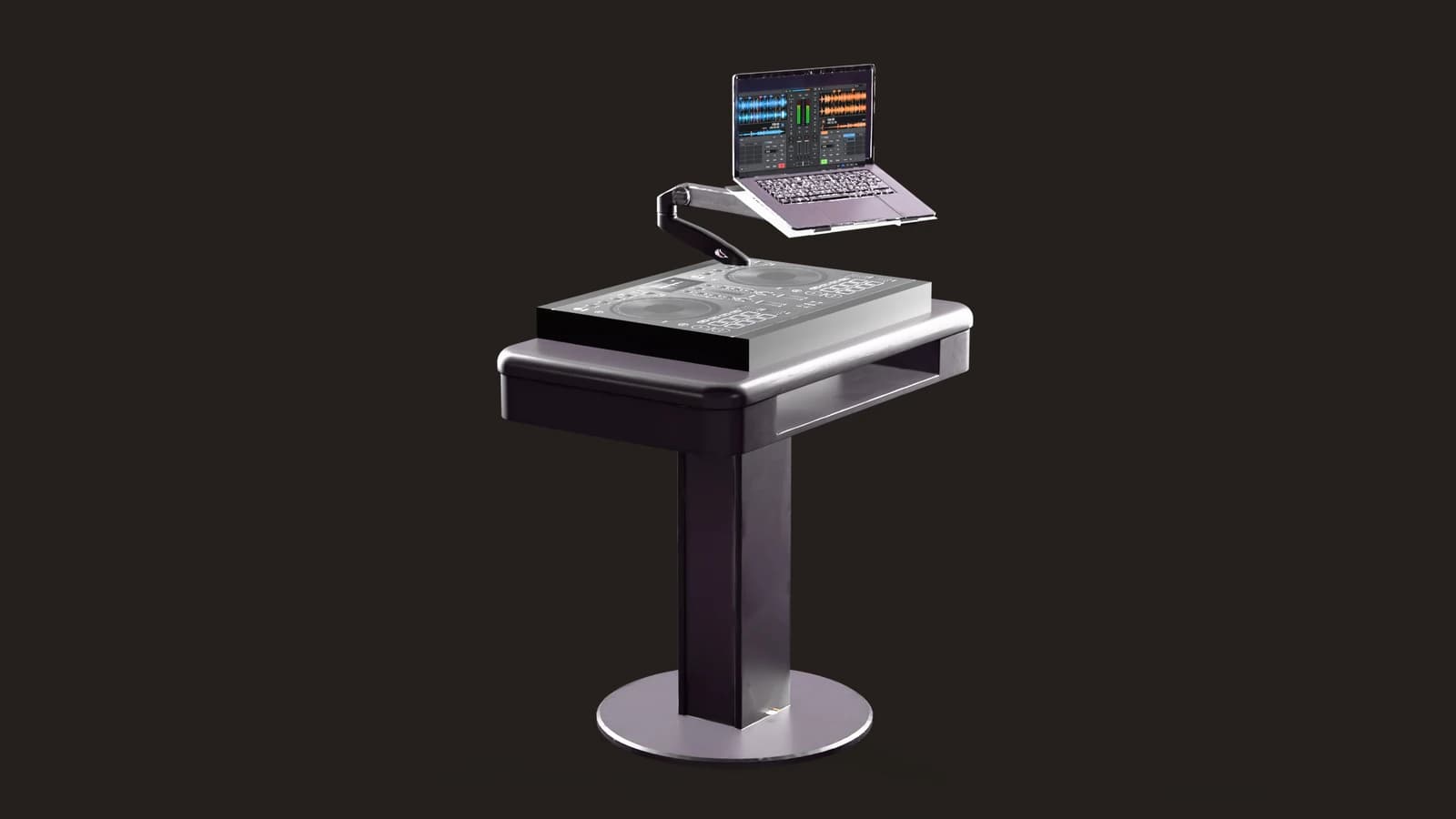
A DJ booth on a pedestal foot, with a mixing deck and a laptop on a swivel arm. It comes as two packages of the same model: a 3D package (Blender, FBX, glTF) that opens in any 3D software, and a GIANTS Editor package (i3d plus DDS textures) you merge into your own FS25 map or mod. 58,619 triangles, 0.53 × 0.76 × 1.05 m. Both packages are in the download box on this page.
The model in 3D
It turns on its own. Drag it to stop and turn it yourself.
What this asset is
What the DJ Booth is
A DJ booth on a pedestal foot, with a mixing deck and a laptop on a swivel arm. Controller, laptop keyboard and screen are decals on their own shapes, and the screen glows — that is why this one has five shapes instead of two.
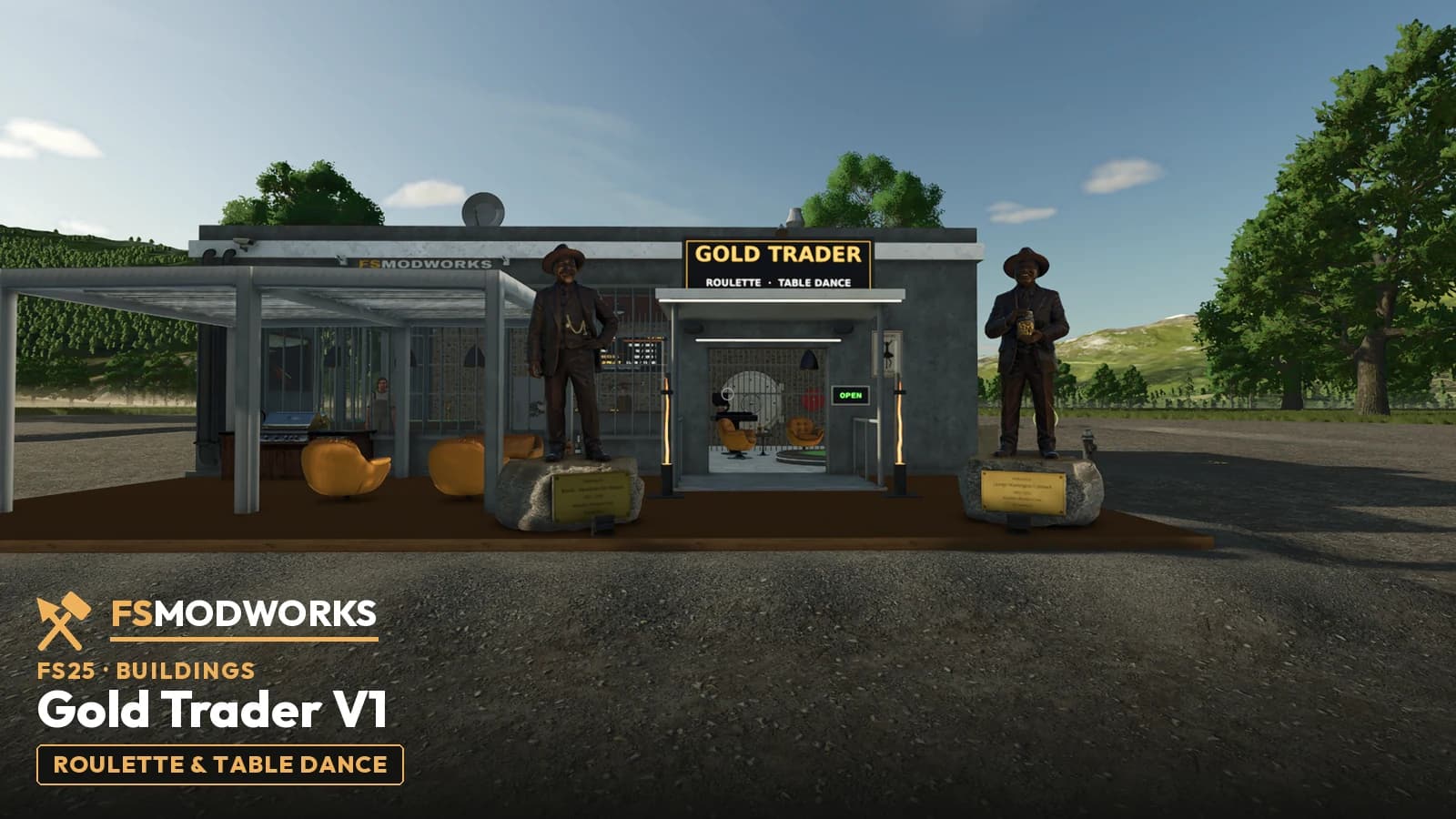
It is the same model that stands in the FSMW Gold Trader — the GIANTS package is the state built into that mod, not a separate export. The numbers are in the box above; the one that matters while you plan is the size: 0.53 × 0.76 × 1.05 m.
Both packages are in the download box on this page.
Where it comes from
AI-generated mesh (Tripo AI), reworked in Blender.
Technical data
- Triangles
- 58,619
- Vertices
- 101,708
- Visible shapes
- 5
- Size (W × D × H)
- 0.53 × 0.76 × 1.05 m
- Textures, 3D package
- PBR — base colour 8K, normal, roughness and metallic 4K, decals 2K–4K
- Textures, GIANTS package
- DDS 4K — diffuse, normal (BC7), specular; decals 2K–4K
- Origin
- AI mesh (Tripo AI) + Blender
- Category
- Furniture 3D models
- Creator
- FS Modworks Original
- Version
- 1.0.0.0
- Updated
- 2026-09-17
- Downloads
- 10
- Support
- FS Modworks forum
Works with
GIANTS package for FS25, 3D package for everything else.
What you may do with it
The asset comes under the FSMW Asset Licence 1.0: you may use it in your own mods, maps and projects, published and commercial included, and you may change it. The one condition is that FS Modworks is named in your credits. You may not pass on or sell the package itself.
Read the licence in full →Important — please read
- FSMW Asset License 1.0
What you may build, change and publish with this asset — commercial use included.
- Terms and conditions
They cover membership, downloads and everything else on FS Modworks.
Questions and answers
Is the DJ Booth a mod I install?
No. The DJ Booth is a 3D asset, not a mod — there is nothing to put in your mods folder and it does not appear in the in-game shop. You build it into your own project: into a scene in any 3D software, or via Merge Groups into your own FS25 map or mod i3d.
Which of the two DJ Booth packages do I need?
Building an FS25 map or mod in the GIANTS Editor: the GIANTS package (i3d plus DDS). Anything else — Unity, Unreal, Godot, a web viewer, your own Blender scene: the 3D package (Blender, FBX, glTF). It is the same model in both: 58,619 triangles, 0.53 × 0.76 × 1.05 m.
How do I import the DJ Booth into the GIANTS Editor?
Unzip the GIANTS Editor package, open your own map or mod i3d in the GIANTS Editor and bring the DJ Booth in via Merge Groups. The DDS textures lie next to the i3d and are found automatically. The package holds shapes and one collision box and no placeable wrapper, so nothing appears in the in-game shop — you place it as part of your own map or mod.
Can I open the DJ Booth 3D model in Blender, Unity or Unreal?
Yes. The 3D package holds a Blender file with packed textures, an FBX and a glTF 2.0 with its textures in a folder next to it. Blender opens the .blend directly; Unity, Unreal, Godot and web viewers read the FBX or the glTF. Textures: PBR — base colour 8K, normal, roughness and metallic 4K, decals 2K–4K.
How do I download the DJ Booth?
Sign in — the download box on the DJ Booth page lists both packages and shows which membership level they need. Take the 3D package, the GIANTS package, or both; it is the same model.
May I publish a map that contains the DJ Booth?
Yes, commercially too, as long as FS Modworks is named in your credits. What you may not do is pass on or sell the package itself — for example uploading the download unchanged to another portal. That is the FSMW Asset License 1.0.