What is the FSMW GIANTS Editor MCP?
The FSMW GIANTS Editor MCP is an MCP server with a matching skill that lets an AI work in the GIANTS Editor 10 for Farming Simulator 25. It has 16 tools: open scenes (always as a copy, it never saves), run Lua, read the scene tree, load, move, hide and remove objects, sample terrain height, take pictures and camera runs from the real engine, and search the assets of your own game in German or English ("retaining wall", "culvert", "guardrail"). The index of about 4,300 base-game assets is built from your own install in roughly five seconds and stays on your PC. Version 0.1.0, tested with Claude Code on Linux under Proton. Not affiliated with GIANTS Software.
What this asset is
What the GIANTS Editor MCP does
You tell your AI what you want on the map, in a normal sentence. The AI opens the scene as a copy, looks at the spot through the editor camera, finds a fitting part among the assets of your own game, puts it there and shows you the picture from the real engine. No guessing from coordinates: the skill makes it compare against a base-game reference in the same light before it calls anything done.
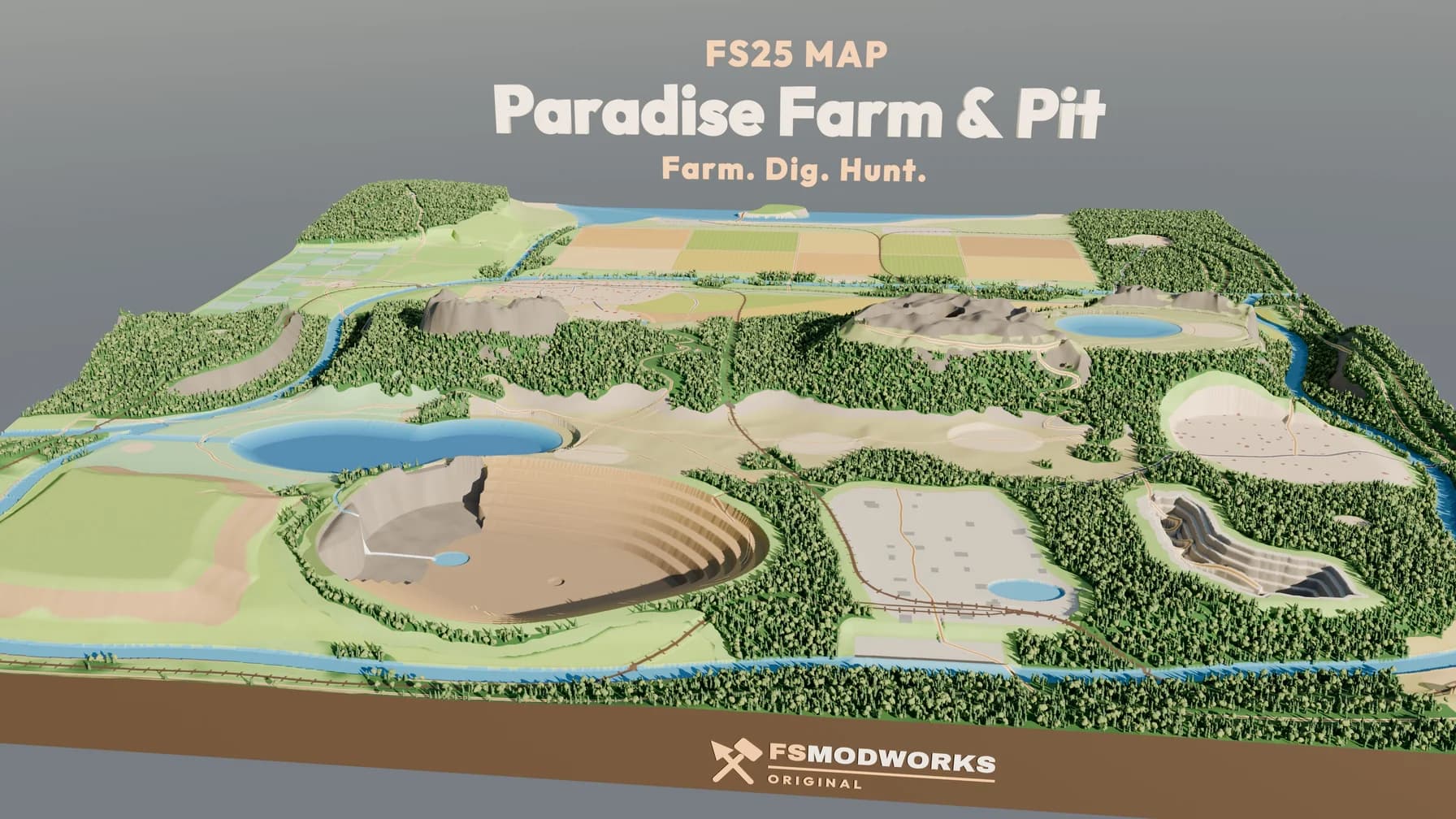
The skill that comes with it is the part we learned the hard way while building our own map Hof Paradies & Pütt: one editor at a time, never while the game runs, scenes only as copies, a hang guard on camera runs, a warm-up after opening big maps. Plus our map lessons for terrain, roads, retaining walls, culverts, bridges and water. Every rule in there cost us a broken session once — you get them without the broken session.
Which systems, which AI
Windows: native, the GIANTS Editor 10 is a Windows program. Supported, but our full test on a real Windows PC is still pending. Linux: the editor runs under Proton, a launcher script is included — this is what we use every day, so it is tested. macOS: GIANTS offers the editor for Windows only, so use a Windows VM such as Parallels and install the editor, the MCP and your AI client inside it. Untested.
Models: use a frontier model — Claude Opus, Claude Fable, or GPT-5.6 or newer. Driving the editor means planning, reading pictures and writing Lua, and smaller models lose track. We have not tested local models and cannot say whether they are clever enough; Gemma 4 should manage, but that is untested too.
Clients: any program that can run a stdio MCP server. Tested with Claude Code. Codex, Hermes Agent, OpenClaw 2.0 and OpenCode speak the same MCP standard and should work, but we have not tested them yet. The setup line for each one is in the README.
What is in the package — and what is not
Version 0.1.0 is one small zip: the MCP server in Python (Python 3.10 or newer), the bridge script for the editor, an installer that finds editor, log and game on its own, the Proton launcher for Linux, and the skill fsmw-giants-editor-mcp with six references (tools, setup, recipes, pitfalls, map lessons, assets and rights). The README is in English with a short German part.
What it changes on your PC: exactly one file in your editor, scripts/fsmw/fsmwBridge.lua, which is the editor's own way of adding scripts. Plus a work folder and a config file. Nothing in the game, nothing in editor.exe.
What is not in it: nothing from GIANTS. No base-game models, no renders, no asset catalogue with pictures. Your asset index and every preview are built on your own PC from your own game and stay there. You need a legally owned Farming Simulator 25 and the free GIANTS Editor 10. No AI subscription included, and no promise of support. FSMW GIANTS Editor MCP is not affiliated with GIANTS Software.
Technical data
- Category
- Tools 3D models
- Creator
- FS Modworks Original
- Version
- 0.1.0
- Updated
- 2026-10-08
- Support
- FS Modworks forum
What you may do with it
The asset comes under the FSMW Asset Licence 1.0: you may use it in your own mods, maps and projects, published and commercial included, and you may change it. The one condition is that FS Modworks is named in your credits. You may not pass on or sell the package itself.
Read the licence in full →Important — please read
- FSMW Asset License 1.0
What you may build, change and publish with this asset — commercial use included.
- Terms and conditions
They cover membership, downloads and everything else on FS Modworks.
Posts about this asset
- FSMW GIANTS Editor MCP: thank you, Fundators — your AI now works in the GIANTS EditorExclusive for our first Fundators, as a thank-you: an MCP server with a skill that lets Claude work in the GIANTS Editor 10. 16 tools, asset search in your own game.
Questions and answers
What is the FSMW GIANTS Editor MCP server?
An MCP server with a matching skill that lets an AI work in the GIANTS Editor 10 for Farming Simulator 25. It brings 16 tools: open scenes as a copy, run Lua, read the scene tree, load, move, hide and remove objects, sample terrain height, take pictures and camera runs from the real engine, and search the assets of your own game. The AI sees the editor, it does not just guess coordinates.
Does the GIANTS Editor MCP work on Windows, Linux and Mac?
Windows: yes, natively — the GIANTS Editor 10 is a Windows program; our own full test on a Windows PC is still pending. Linux: yes, with the editor under Proton; that is our daily setup and it is tested. Mac: GIANTS offers the editor for Windows only, so it runs in a Windows VM such as Parallels, with editor, MCP and AI client all inside the VM. Untested.
Which AI models and clients work with the GIANTS Editor MCP?
Use a frontier model: Claude Opus, Claude Fable, or GPT-5.6 or newer. Local models are untested; Gemma 4 should manage, but we have not checked. Any client that runs a stdio MCP server works in principle — tested with Claude Code; Codex, Hermes Agent, OpenClaw 2.0 and OpenCode speak the same standard but are untested by us. The README has the setup line for each.
Can the GIANTS Editor MCP find assets from the base game?
Yes, in your own install. It builds an index of about 4,300 base-game assets from your game in roughly five seconds, searchable in German and English ("retaining wall", "culvert", "guardrail"), and can load one into an empty scene to measure it and show it to you. The index stays on your PC; nothing from GIANTS is shipped with the package.
Can the GIANTS Editor MCP break my map?
It is built not to. Scenes are opened as copies by default, closing never saves, and there is no save tool on purpose. It refuses to work while the game is running and allows only one editor at a time. The only file it adds to your editor is scripts/fsmw/fsmwBridge.lua; the game and editor.exe stay untouched.
Is the FSMW GIANTS Editor MCP an official GIANTS Software product?
No. FSMW GIANTS Editor MCP is made by FS Modworks and is not affiliated with GIANTS Software. You need a legally owned Farming Simulator 25 and the free GIANTS Editor 10. It is not sold on its own; it is part of the Fundator membership.